
Inbox & tickets
Every conversation in one inbox.
Website chats, e-mails, text messages and tickets land in the same place, so your team answers everything without switching tools.
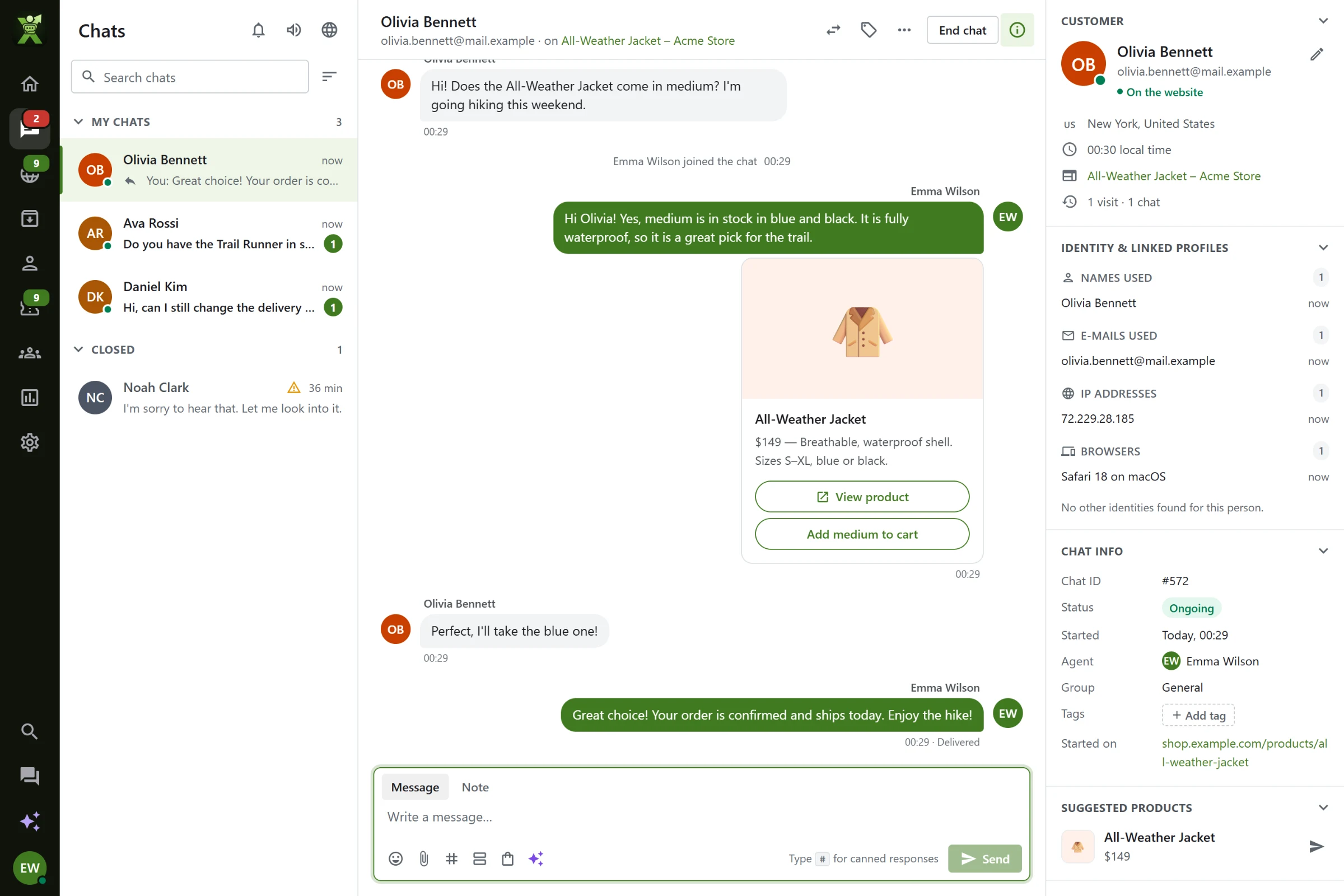
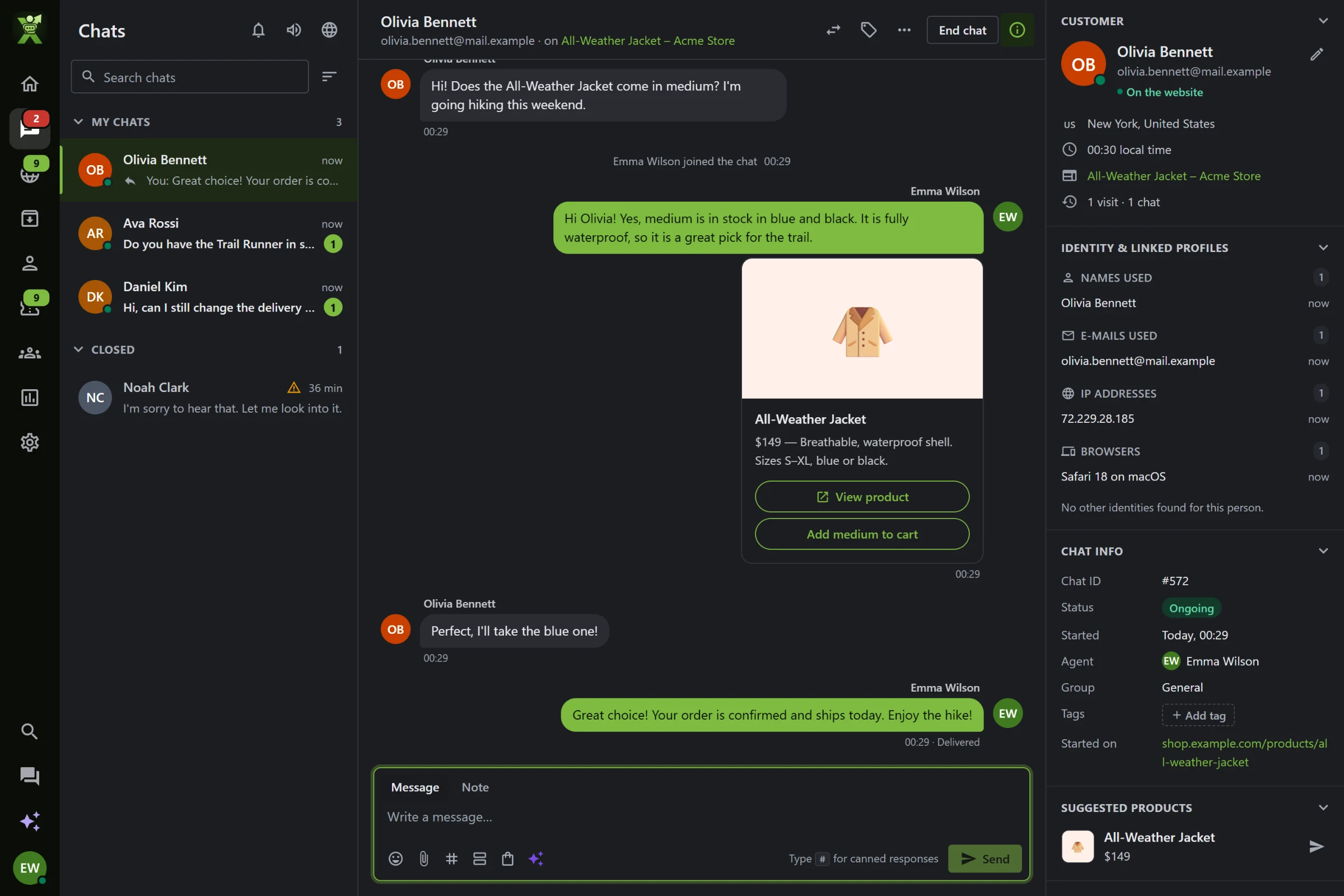
Chats
Answer fast, never twice.
Canned responses with #, reply suggestions, emoji, files, product cards and rich messages, with the customer’s details and history next to the chat.
- See what customers type before they send it
- Transfer with a note, supervise, take over
- Tags, priority and notes only your team sees
Tickets
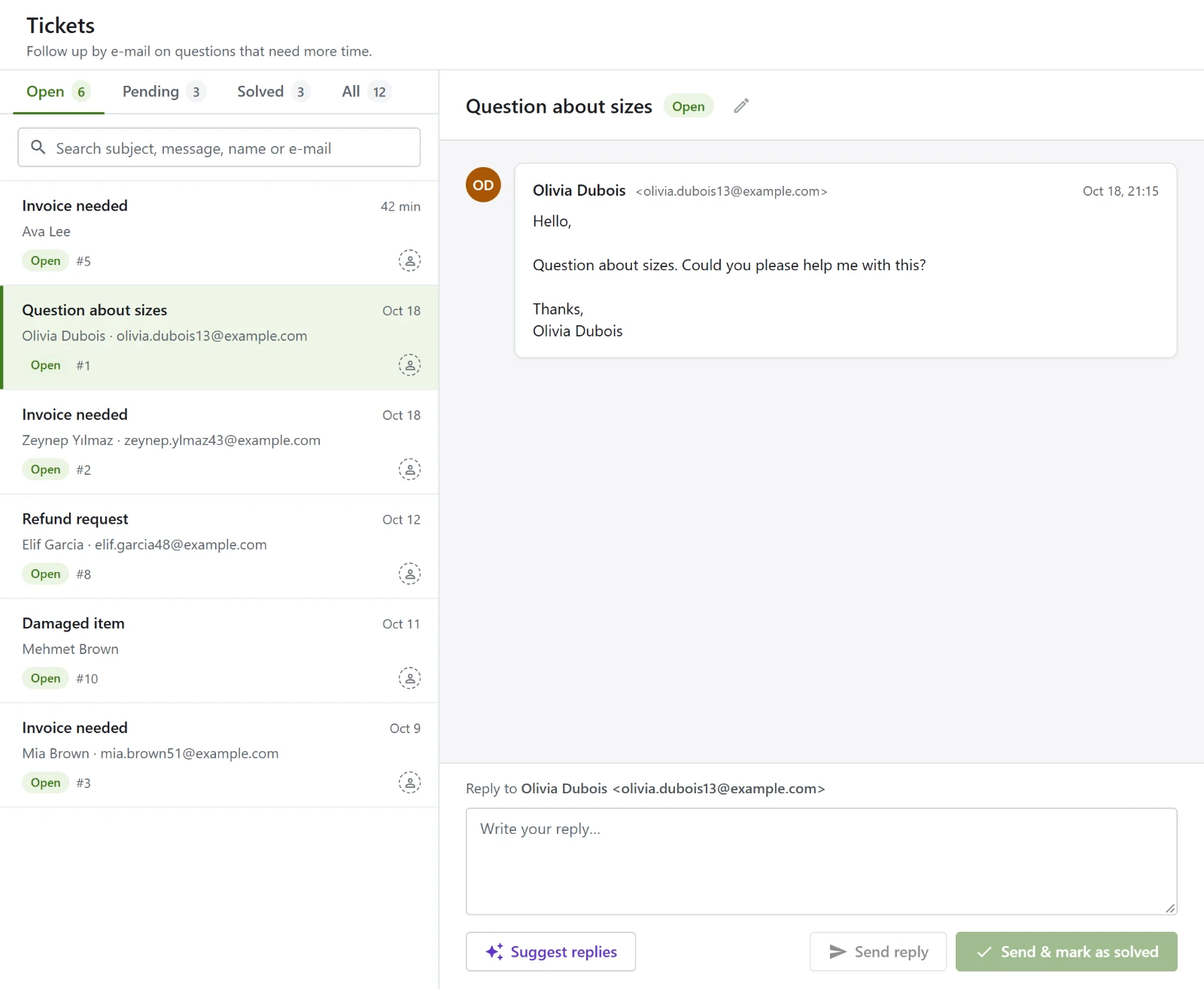
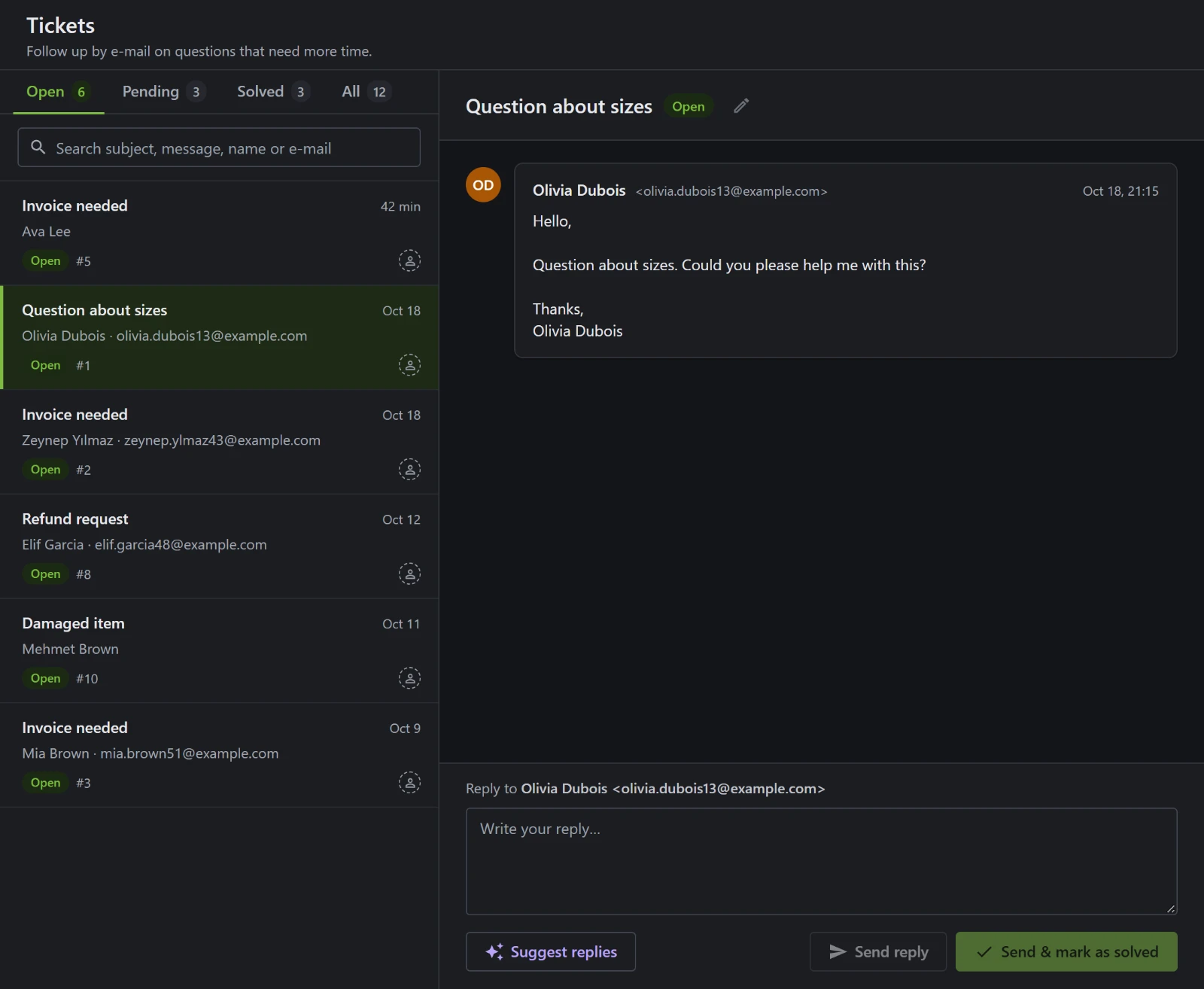
Nothing slips through.
Messages left while you were away, e-mails to your support address and chats you turn into tickets all become tickets with a status, an owner and a history.
- Replies go out by e-mail; customer replies come back into the ticket
- Internal notes and a full change history
- AI triage sets priority and tags on arrival
Channels
Website, e-mail and SMS together.
Connect your support mailbox and your Twilio number: e-mails become tickets and text messages become chats, answered from the same inbox.
Copilot
A copilot next to every chat.
Ask it about the customer, let it draft an answer from your knowledge base, and put the answer into the reply box in one click.
Ready to talk to your visitors?
Tell us about your website and your team. We’ll help you set up XenChats.